
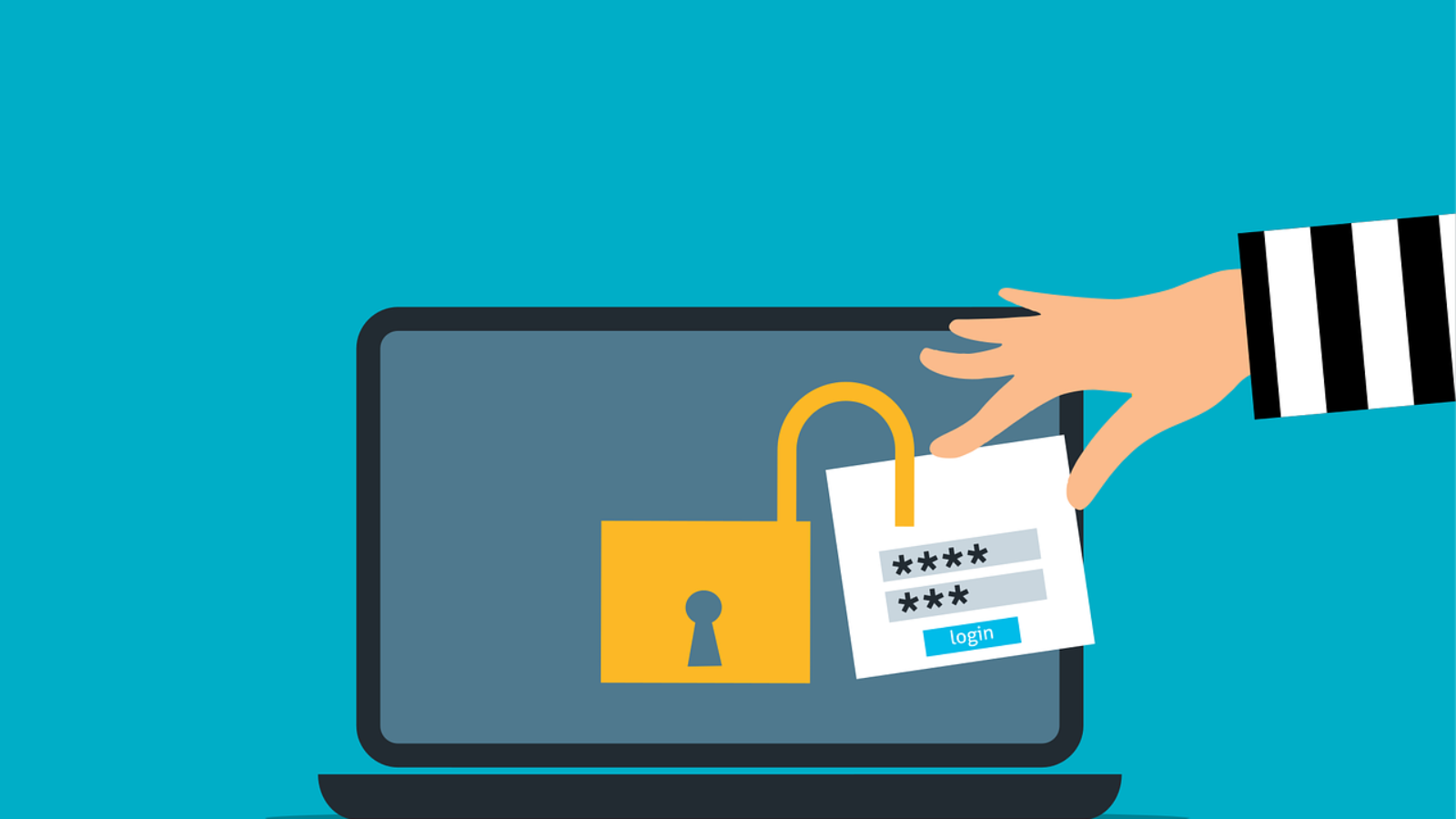
For years, Multi-Factor Authentication (MFA) has been one of the most important security controls organizations can deploy. And to be clear, MFA is still essential.
But not all MFA is equal.
The most common method — four- or six-digit codes sent via SMS — is familiar and convenient. It’s better than passwords alone. The problem is that the threat landscape has evolved, and SMS-based MFA has not.
For organizations handling sensitive data, intellectual property, financial systems, or regulated information, SMS authentication is no longer sufficient.
It’s time to move to phishing-resistant MFA.
The Problem With SMS-Based MFA
SMS was never designed to be a secure authentication channel.
Text messages travel across cellular networks that rely on aging telecommunication protocols like Signaling System No. 7 (SS7). These protocols were built decades ago, long before modern cyber threats existed.
Security researchers have documented how SS7 vulnerabilities can allow attackers to intercept or redirect text messages within carrier networks (see guidance from the National Institute of Standards and Technology (NIST) discouraging SMS for high-assurance authentication).
That means an attacker doesn’t always need your phone in hand to intercept your MFA codes.
SMS MFA Is Vulnerable To:
-
SS7 interception
-
SIM swapping
-
Phishing proxy attacks
-
Real-time credential capture
And because SMS is so widely used, it’s a prime target.
If your organization still relies heavily on text-message codes, this should be a wake-up call.
How Phishing Easily Bypasses SMS MFA
Many organizations believe MFA stops phishing. Unfortunately, SMS-based MFA does not.
Here’s how attackers get around it:
- A victim clicks a phishing link.
- The fake site mirrors the real login page.
- The user enters their username and password.
- The attacker relays those credentials to the legitimate site in real time.
- The user receives an SMS code.
- The victim types the code into the fake site.
- The attacker captures it and logs in immediately.
This technique, often called an “adversary-in-the-middle” attack, completely defeats SMS-based MFA.
This is why the Cybersecurity and Infrastructure Security Agency (CISA) recommends phishing-resistant MFA wherever possible.
Understanding SIM Swapping Attacks
One of the most damaging attacks against SMS authentication is SIM swapping.
In a SIM swap attack, a criminal contacts your mobile carrier pretending to be you. They claim their phone was lost or damaged and request that your phone number be transferred to a new SIM card.
If successful:
-
Your phone immediately loses service.
-
The attacker receives all calls and text messages.
-
They trigger password resets.
-
They intercept MFA codes.
-
They take over accounts.
This isn’t a highly technical hack. It’s social engineering.
High-profile victims have lost millions of dollars through SIM swap attacks. And businesses are not immune.
If you want to better understand social engineering risks, see our guide on
[How to Protect Your Business From Social Engineering Attacks] (Internal Link).
The Shift to Phishing-Resistant MFA
To prevent these attacks, authentication must be tied to cryptography, not text messages.
Phishing-resistant MFA uses public key cryptography to bind authentication to a specific domain. If a user lands on a fake website, the authentication simply fails.
One of the most widely adopted standards is FIDO2, developed by the FIDO Alliance (https://fidoalliance.org/).
FIDO2:
-
Uses public/private key cryptography
-
Ties credentials to a legitimate domain
-
Prevents credential replay
-
Eliminates shared secrets
Even if a user clicks a phishing link, the authentication device will not respond because the domain does not match the original registration.
That’s a major leap forward.
Hardware Security Keys: The Strongest Option
Hardware security keys are considered one of the most secure MFA options available.
These small devices, often USB or NFC-based, perform a cryptographic handshake during login. There are no codes to type. Nothing to intercept.
Without physical possession of the key, an attacker cannot log in.
Major platforms like Google and Microsoft support hardware keys, and Google has publicly reported eliminating phishing-based account takeovers internally after mandating them.
If your organization manages high-risk accounts — administrators, executives, finance — hardware keys should be mandatory.
You can read more about securing privileged access in our article:
[Why Privileged Access Management Is Critical for Modern Businesses] (Internal Link).
Authenticator Apps: Better Than SMS, But Not Perfect
If hardware keys are not feasible, authenticator apps are a strong alternative.
Apps like:
-
Microsoft Authenticator
-
Google Authenticator
-
Authy
generate codes locally on the device instead of sending them over SMS.
This eliminates SIM swapping and SS7 interception risks.
However, push-based approvals introduce another issue: MFA fatigue attacks.
Attackers may repeatedly send login prompts hoping the user eventually taps “approve.”
Modern authenticator apps now use number matching, which requires users to enter a number displayed on the login screen. This dramatically reduces accidental approvals.
While not fully phishing-resistant like FIDO2, authenticator apps are significantly more secure than SMS.
Passkeys: The Future of Authentication
Passwords are increasingly obsolete.
Passkeys are cryptographic credentials stored securely on a device and unlocked using biometrics such as fingerprint or facial recognition.
They are:
-
Phishing-resistant
-
Passwordless
-
Bound to specific domains
-
Seamlessly synced across ecosystems
Platforms like Apple, Google, and Microsoft now support passkeys across devices.
The FIDO Alliance and major tech providers are pushing passkeys as the future standard for authentication.
For businesses, passkeys reduce:
-
Password reset tickets
-
Credential theft
-
User frustration
They improve both security and usability.
If you’re modernizing identity controls, you may also want to review
[6 Ways to Prevent Leaking Private Data Through Public AI Tools] (Internal Link)
since identity and data governance now go hand in hand.
Balancing Security With User Experience
Moving away from SMS requires change management.
Users are familiar with text codes. Introducing hardware keys or passkeys can create friction at first.
To improve adoption:
-
Clearly explain SIM swap risks
-
Share real-world breach examples
-
Phase rollout by risk level
-
Mandate phishing-resistant MFA for privileged accounts first
Executives and administrators should never rely on SMS MFA.
Security maturity starts at the top.
The Cost of Staying With Legacy MFA
SMS-based MFA can create a dangerous illusion of security.
It may check a compliance box.
It does not stop modern phishing.
The cost of upgrading to phishing-resistant MFA is small compared to:
-
Incident response expenses
-
Business interruption
-
Legal liability
-
Reputational damage
Identity is now the primary attack surface. Strengthening authentication offers one of the highest ROI investments in cybersecurity.
Is Your Business Ready to Upgrade?
If your organization still relies on SMS-based MFA, now is the time to evaluate your authentication strategy.
Modern identity security isn’t just about adding factors. It’s about eliminating phishing risk altogether.
We help businesses:
-
Assess authentication gaps
-
Deploy FIDO2 and passkey solutions
-
Roll out hardware security keys
-
Train teams on modern identity threats
If you’re ready to move beyond passwords and text codes, let’s build an authentication strategy that protects your business without slowing it down.
Add a Comment