
Public AI tools have changed how we work.
Teams use them to write emails, summarize reports, generate code, analyze data, and brainstorm ideas. They save time and increase productivity.
But there’s a growing risk many organizations are overlooking.
Employees are pasting confidential information directly into public AI platforms. Client contracts. Financial data. Source code. HR records. Internal strategies.
Once that data leaves your environment, you lose control of it.
Even if the AI provider has strong safeguards, your organization may still be violating internal policies, regulatory requirements, or client agreements.
The issue isn’t whether AI is useful. It is.
The issue is how to use it safely.
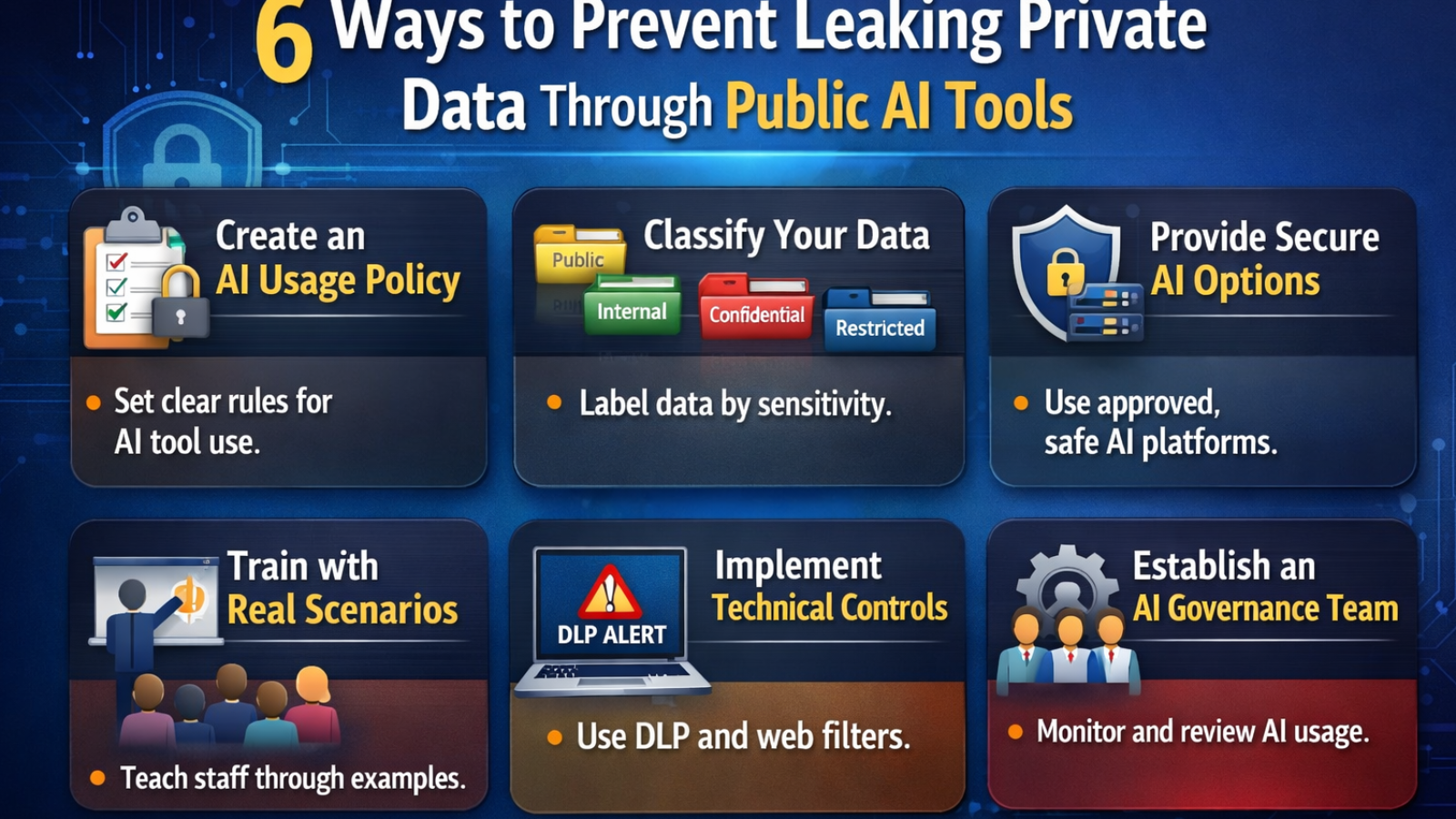
Here are six practical ways to prevent private data from leaking through public AI tools.
1. Create a Clear AI Usage Policy
You can’t protect what you haven’t defined.
Many companies still don’t have a formal AI policy. Employees are left to decide on their own what is “safe” to input into tools like chatbots or AI writing assistants.
A proper AI usage policy should clearly define:
-
What types of data are strictly prohibited (PII, financial records, trade secrets, source code)
-
What types of data may be used in anonymized form
-
Which AI tools are approved for business use
-
Who is responsible for oversight
Keep the language simple. Avoid vague statements like “use responsibly.” Spell out examples.
For instance:
“Do not paste customer names, account numbers, contract language, internal pricing models, or proprietary code into public AI systems.”
Clarity reduces guesswork.
2. Classify Your Data Before You Protect It
If employees don’t know what qualifies as sensitive data, they can’t protect it.
Implement a simple data classification framework such as:
-
Public
-
Internal
-
Confidential
-
Restricted
Then provide real-world examples for each category.
For example:
-
Public: Marketing blog posts
-
Internal: Internal meeting notes
-
Confidential: Client lists, financial reports
-
Restricted: Social security numbers, health records, encryption keys
When employees recognize that “Confidential” and “Restricted” data should never enter public AI systems, behavior changes.
Classification makes protection practical.
3. Provide Secure AI Alternatives
If you ban AI outright, employees will find workarounds.
Shadow AI usage is already common. Staff use personal devices or unauthorized accounts to access public tools.
Instead of blocking AI, provide safer alternatives such as:
-
Enterprise AI platforms with data protection agreements
-
AI tools hosted within your own environment
-
Vendors that guarantee no data retention or model training on your inputs
When secure tools are easy to access, risky behavior drops.
Security should support productivity, not fight it.
4. Train Employees with Real Scenarios
Most cybersecurity training still focuses on phishing links and password hygiene.
AI risk needs its own module.
Instead of abstract warnings, use realistic examples:
-
An HR employee pasting a termination letter into an AI tool for editing
-
A developer uploading proprietary code for debugging
-
A finance manager summarizing a confidential acquisition plan
Ask employees: What’s wrong with this scenario?
When people see how easily leaks can happen, awareness increases.
Training should also cover:
-
How AI providers store data
-
The difference between consumer and enterprise AI tools
-
Regulatory risks under GDPR, HIPAA, or other privacy laws
Awareness prevents accidental exposure.
5. Implement Technical Controls
Policy alone is not enough.
Use technical safeguards to reduce risk, including:
-
Data Loss Prevention (DLP) tools to detect sensitive information leaving the network
-
Web filtering to restrict unauthorized AI platforms
-
Browser extensions that flag risky data entry
-
Logging and monitoring for suspicious uploads
You don’t need to block everything. Focus on high-risk departments such as HR, finance, legal, and engineering.
Layered controls reduce reliance on perfect human behavior.
6. Establish an AI Review and Governance Team
AI adoption is evolving quickly. Policies written once a year won’t keep up.
Create a small cross-functional team that includes:
-
IT security
-
Legal or compliance
-
Data privacy
-
Operations leadership
This team should:
-
Review new AI tools before approval
-
Assess vendor security practices
-
Monitor regulatory developments
-
Update policies as technology changes
AI governance isn’t a one-time project. It’s an ongoing responsibility.
Why This Matters More Than You Think
Data leaks through AI tools are rarely malicious.
They are usually accidental.
An employee trying to improve a report. A manager trying to save time. A developer trying to solve a problem quickly.
But regulators and clients won’t care about intent.
A single data exposure can result in:
-
Legal penalties
-
Contract violations
-
Loss of customer trust
-
Reputational damage
Public AI tools are powerful. Used correctly, they can increase efficiency and innovation.
Used carelessly, they can create invisible data risks that spread fast.
The goal is not to slow your team down.
The goal is to build guardrails that let them move safely.